Mechanical keyboard buying guide 2026 — without falling into the rabbit hole
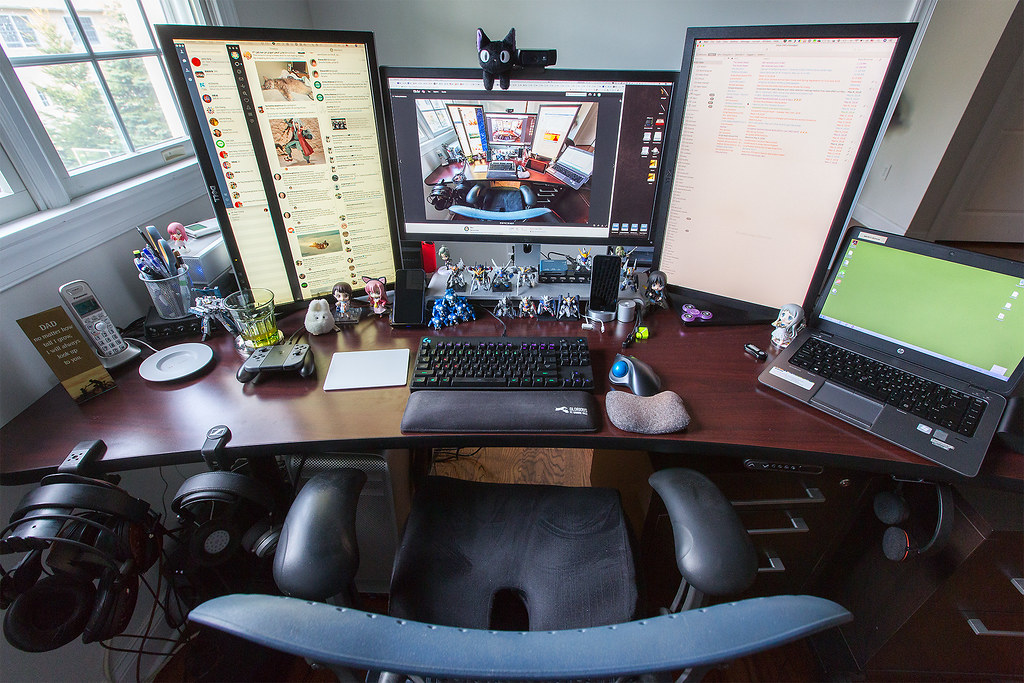
I bought my first mechanical keyboard four years ago, fell down the hobby rabbit hole for six months, and emerged with this take: 95% of people don't need to care about 95% of what enthusiasts argue about. Here's what actually matters.
Layout first: 60%, 75%, TKL, or full?
If you don't use the number pad: get a TKL (87 keys) or 75% layout. You'll save 6 inches of desk width. The Keychron K6 (65%) and Keychron K8 (TKL) are the universally recommended starting points at $80-130.
Switch type: just pick one
Three categories: linear (smooth), tactile (small bump), clicky (loud). If you don't know, get linear or tactile. Don't get clicky if you share an office. Most common picks: Cherry MX Brown (tactile), Gateron Yellow (linear), Kailh Box White (clicky).
If you genuinely don't know, get tactile browns. They're the default for a reason — quiet enough for an office, has enough feedback that you know a key registered.

Wireless vs wired
In 2026, wireless mechanical keyboards are good enough that there's no reason to buy wired unless you're competitive gaming. The Logitech MX Mechanical at $170 is the no-brainer office pick.
The custom build trap
If you're new, don't start with a barebones kit. Buy a complete pre-built keyboard. Customisation is fun but it's a $500+ rabbit hole that ends with you owning three keyboards you don't use.
Decent pre-builts under $150
Keychron K8 Pro at $110-130. Logitech MX Mechanical at $170. Lemokey L3 at $150. Any of these will be a great keyboard for years.
Pre-builts $200-400
This is where you start getting genuinely better build quality, hot-swappable switches, and aluminium cases. NuPhy Halo75, GMMK Pro, Keychron Q1 Pro. The case material matters more than the keycaps at this price — aluminium dampens the sound and changes how the typing feels.
Accessories worth getting
A memory foam wrist rest ($25) saves your wrists on 8-hour work days. A keycap puller (free with most keyboards). A can of compressed air to clean it once a quarter.
Honest pick
For a non-enthusiast: Keychron K8 Pro with brown switches, $130. You'll like it for years and not feel like you missed out.